What Is a 12 Testers Service and Why Every Android Developer Needs One
A 12 testers service matches you with real Android users who test your app for Closed Testing compliance. How these services work, and what to look for.
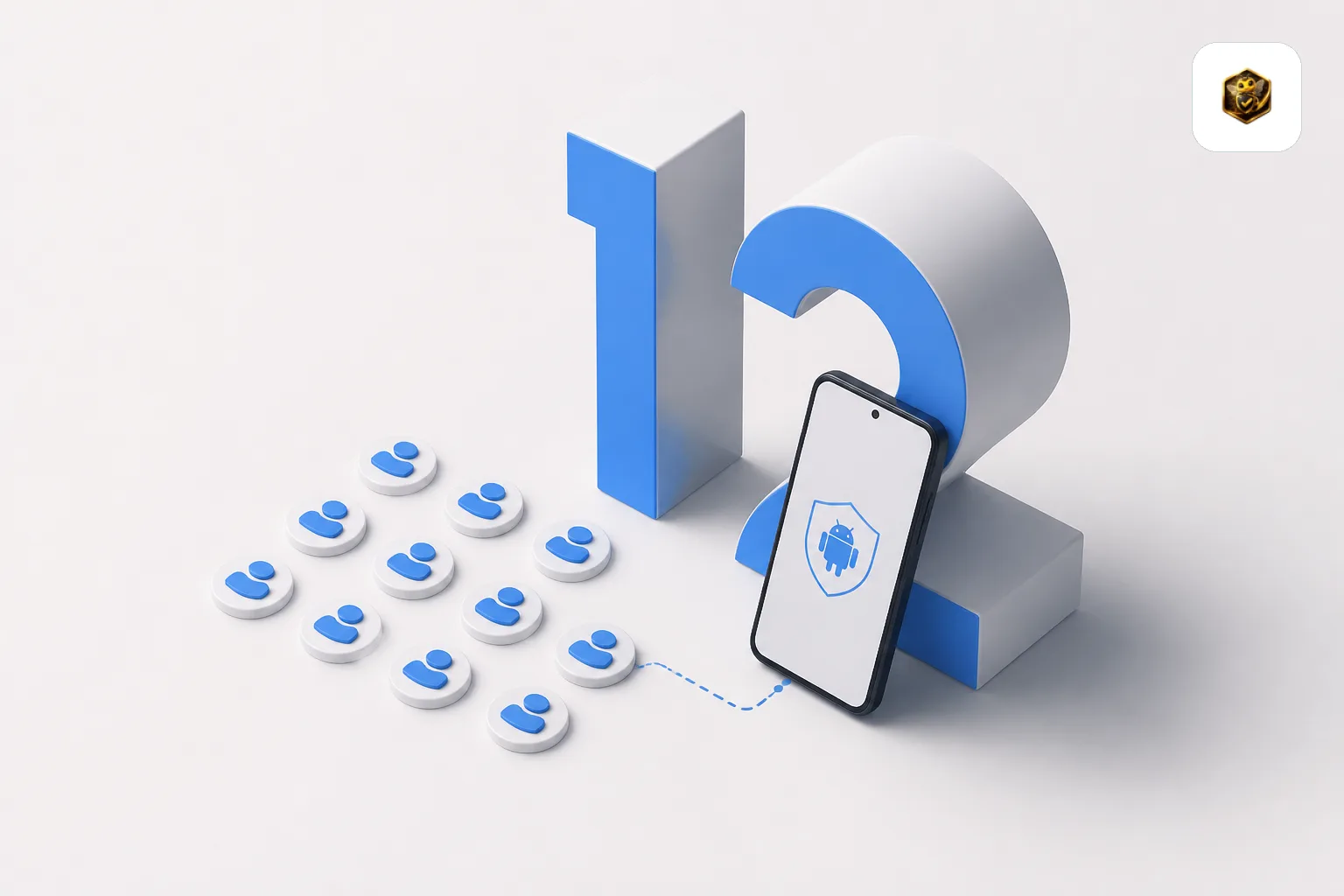
Need testers who stay active for all 14 days?
TesterBee matches you with 12 real Android testers in under 24 hours. Refund if Google rejects you over tester engagement.
On this page
- 01Why Google requires 12 testers
- 02How a 12 testers service works
- 03What to look for in a 12 testers service
- 04TesterBee: A 12 testers service built for developers
- 05How much does a 12 testers service cost?
- 06What happens when testers are not real
- 07How to evaluate a 12 testers service
- 08Frequently Asked Questions
- 0912 testers service vs DIY: A decision framework
- 10The future of Google Play testing requirements
- 11Questions to ask any 12 testers service before you pay
- 12Related resources
If you are building an Android app in 2026, you have probably heard the term "12 testers service." But what exactly is it, and do you really need one?
A 12 testers service is a platform that matches Android developers with real, verified testers who install and use your app for the 14-day period required by Google Play's Closed Testing policy. Instead of spending weeks hunting for testers on Reddit, Discord, or Facebook groups, you hand over your opt-in link and the service delivers 12 engaged testers — usually within 24 hours.
Why Google requires 12 testers
In November 2023, Google introduced a policy requiring all new personal developer accounts to run a Closed Testing track with at least 20 testers for 14 days before applying for production access. After developer community feedback, Google reduced the requirement to 12 testers for 14 days in December 2024.
The goal is to ensure apps on the Play Store have been tested by real people before reaching the public. It filters out spam, malware, and low-quality apps. But for legitimate developers, it created a new problem: where do you find 12 people willing to test your app for two weeks? If you are weighing free vs paid options, read our guide to getting 12 testers.
How a 12 testers service works
The process is straightforward:
- Set up Closed Testing in your Google Play Console — create a testing track and copy the opt-in URL.
- Sign up with the service — most services require just an email and your opt-in link.
- Testers join — the service matches your app with 12 real Android users who install it on their personal devices.
- 14-day engagement — testers open the app regularly, providing genuine usage data that Google tracks.
- Apply for production — after 14 days, you apply for production access with confidence.
What to look for in a 12 testers service
Not all testing services are equal. Here is what separates a good one from a risky one:
Real people, real devices
The most important factor. Some services use emulators, virtual devices, or bulk-created Google accounts, which do not represent genuine testers and can put your production access at risk. Look for services that pre-verify every tester as a real person with a unique Android device and a genuine Google account. Learn the risks in our guide to real vs fake Google Play testers.
Engagement monitoring
Google does not just count installs — it tracks whether testers actually use your app. A good service ensures testers open the app multiple times per day and monitors engagement throughout the 14 days.
Refund guarantee
If Google rejects your production access application due to tester engagement, a reputable service will refund your payment. This removes the financial risk and shows confidence in their tester quality.
Speed of matching
The best services match you with testers within 24 hours. If a service takes a week to find testers, you could have found them yourself on Reddit.
TesterBee: A 12 testers service built for developers
TesterBee's 12 testers service is purpose-built for the Google Play Closed Testing requirement. Every tester is verified as a real person with a unique device and Google account. Testers are matched within 24 hours, engagement is monitored daily, and there is a full refund guarantee if Google rejects your app due to tester engagement. Read our case study to see how a solo developer passed on their first attempt. Start your 12 tester campaign — from $14.99, with testers matched within 24 hours.
Whether you choose TesterBee or another service, the key is to stop wasting time finding testers and start focusing on building a great app.
How much does a 12 testers service cost?
Pricing varies significantly depending on the type of service and what is included. Here is the landscape:
| Service Type | Price Range | Tester Verification | Refund Guarantee |
|---|---|---|---|
| Marketplace freelancers | $5-$50 | None — buyer beware | Rarely offered |
| Testing panels / crowdsourced | $50-$200 | Partial — mixed quality | Sometimes |
| Purpose-built services (TesterBee) | One-time transparent fee | Every tester pre-verified | Full refund guaranteed |
The critical distinction is not just price — it is what that price buys you. A $20 gig on a freelance marketplace that delivers 12 emulator-based installs is not cheaper than a legitimate service; it is simply throwing away $20. When evaluating cost, the relevant metric is cost per approved production access application, not cost per tester. Paying once for guaranteed approval is cheaper than paying three times for services that fail.
What happens when testers are not real
The single biggest risk with choosing the wrong testing service is ending up with testers who are not real people on real devices. Here is what can happen when a testing period is built on fake or automated activity:
Immediate rejection
Google's review process evaluates whether testers are genuinely engaged with your app. A testing period where testers do not actually use the app — no real installs, no opens, no feedback — does not demonstrate the genuine engagement the requirement exists to prove. An application backed by that kind of testing period is weak and likely to be rejected.
A longer, harder second attempt
After a rejection, your next application needs to be stronger. Every rejection costs you another 14-day testing period plus review time, so it is worth getting the testing period right the first time.
Potential account flags
In severe cases — large-scale fake accounts, repeated policy violations — Google may flag your developer account. While rare, account-level penalties can affect not just the app in question but your ability to publish any app on Google Play. This is an existential risk for an indie developer and why choosing a legitimate testing service is so important.
The hidden cost: lost time and momentum
A rejection resets your timeline. Another 14-day testing period plus another 2-7 day review wait means you lose at least three weeks. If you had coordinated a marketing push or a launch announcement, those plans are now out of sync. The frustration alone causes many developers to delay their launch by months.
How to evaluate a 12 testers service
Before you hand over your opt-in link and payment, run every service through this checklist:
- Are testers individually verified? Ask specifically: "How do you verify that each tester is a real person with a unique Android device and a genuine Google account?" A legitimate service will have a clear answer. A service that dodges the question is hiding something.
- Is there a refund guarantee? If the service does not offer a refund when Google rejects your app, they are not confident in their testers' quality — and you should not be either. A guarantee tied to Google's approval is the strongest signal of quality in this market.
- Can you see tester activity? The best services provide a dashboard or regular updates so you can monitor how many testers have opted in, how many are active, and whether any have dropped out. Opaque services where you submit your link and hope for the best are risky.
- What do reviews from other developers say? Look for reviews on third-party platforms — Reddit, IndieHackers, Trustpilot. Pay special attention to reviews from developers who passed Google's review on their first attempt. If you cannot find any independent reviews, that is a red flag.
- How fast do they match testers? A service that takes a week to find testers is not saving you time versus DIY methods. The best services match within 24-48 hours of receiving your opt-in link.
- Do testers use real devices or emulators? Ask this question directly. If the answer is vague or they cannot guarantee physical devices, walk away. Emulators are the fastest path to a Google rejection.
Frequently Asked Questions
Are 12 testers services allowed by Google?
Yes. Using a service to recruit testers is not against Google's policies. What violates Google's policies is using fake testers, emulators, or bulk-created accounts. A legitimate service that provides real people on real devices is fully compliant with Google Play's testing requirements. Google's concern is tester quality, not how you found them.
How quickly can a service deliver 12 testers?
Reputable services typically match your app with testers within 24-48 hours of receiving your opt-in link. Some can do it faster. If a service promises "instant" delivery of 12 testers, be skeptical — real people do not install apps instantaneously, and a batch of 12 simultaneous installs can look suspicious to Google's review systems. A natural trickle of installs over 24-48 hours looks more organic.
Can I use a 12 testers service for multiple apps?
Yes. Most services support multiple apps, though each app requires its own testing period and its own set of testers. If you have several apps that each need Closed Testing, a service is particularly valuable — finding 12 free testers for one app is hard enough; finding 12 unique testers for each of three apps is exponentially harder.
What happens if a tester drops out mid-way?
Quality services monitor tester engagement and replace inactive testers proactively. If a tester uninstalls or stops opening your app, the service should add a replacement tester without you needing to ask. This is one of the key advantages over free methods, where you are responsible for monitoring and replacing dropouts yourself. Always confirm the service's dropout replacement policy before signing up.
12 testers service vs DIY: A decision framework
How do you decide between paying for a service and finding testers yourself? Here is a practical decision framework based on what matters most:
| Your Situation | DIY | 12 Testers Service |
|---|---|---|
| You have more time than money | Best choice | Not necessary |
| You have a launch deadline | Risky | Best choice |
| You need guaranteed approval | Cannot guarantee | Refund-backed guarantee |
| You have an existing tester network | Use it | Still useful as backup |
| This is your first app | Learning curve | Smooth experience |
| Your app is complex (hardware, sensors) | Device diversity hard to get | Curated device mix |
The decision often comes down to one question: what does a failed 14-day cycle cost you? If a rejection means frustration but no real consequence, DIY is fine. If a rejection means a missed launch date, lost revenue, or a delayed funding milestone, a professional service pays for itself many times over.
The future of Google Play testing requirements
Google has been iterating on the Closed Testing requirement since its introduction in November 2023. The number has changed (20 to 12), the review process has evolved, and enforcement has become more consistent. Here is what trends suggest:
- The requirement is not going away. Google has invested too much in this policy to reverse it. If anything, enforcement will become more rigorous, not less.
- Engagement tracking will get more sophisticated. Google's systems for distinguishing real testers from checkbox testers will only improve. The bar for what counts as "engaged" may rise over time.
- Testing services will become the norm. Just as few developers run their own servers anymore, fewer developers will source their own testers. Purpose-built services that guarantee compliance will become the default path to production access.
- The minimum tester count may change again. Google has shown willingness to adjust the number based on developer feedback. Whether it goes up or down depends on the quality of apps reaching production under the current threshold.
Staying informed about policy changes is part of being a responsible Android developer. Check the official Google Play testing documentation periodically, especially before starting a new testing period.
Questions to ask any 12 testers service before you pay
Before handing over your money and your opt-in link, send the service these five questions. The quality of their answers tells you everything you need to know:
- "How exactly do you verify that each tester is a real person with a physical Android device?" A good service describes their verification process in specific terms — device fingerprinting, account age checks, activity history review. A bad service gives vague answers or gets defensive.
- "What happens if Google rejects my production access application?" A good service has a clear, written refund or replacement policy. A bad service says "that never happens" without offering a guarantee.
- "Can I see tester activity during the 14 days?" A good service provides a dashboard, regular reports, or at minimum responsive support that tells you how testing is going. A bad service takes your link and goes silent for two weeks.
- "How quickly do you match testers after I provide my opt-in link?" A good service delivers testers within 24-48 hours. A bad service takes a week — which is no faster than finding testers yourself.
- "Do you monitor engagement and replace inactive testers?" A good service proactively monitors and replaces dropouts. A bad service delivers 12 installs and considers the job done, regardless of whether testers stay active.
If a service cannot answer these five questions clearly and confidently, keep looking. Your production access depends on tester quality — do not compromise on due diligence.
Related resources
- TesterBee vs Fiverr — how dedicated testing services compare to freelance marketplaces
- TesterBee vs Testers Community — honest side-by-side comparison of tester services
- TesterBee vs DIY Testing — why managed services beat self-recruited testers
- Start your 14-day test with TesterBee — 12 real testers matched within 24 hours
- Google Play Closed Testing policy — official requirements from Google

Senior full stack developer specializing in Laravel, React, and Firebase. Helped 1,300+ Android developers pass Google Play Closed Testing and publish apps. Expert in Play Console, production access, and Android app publishing.
Get 12 testers into your closed test in 24 hours
Matched Android testers who open your app every day of the 14-day window, so your production access review has real engagement to look at.
Start your closed testRelated articles
How Many Apps Are on Google Play in 2026? The Sourced Answer
If you have read that Google Play lost 47% of its apps, you are quoting a figure from April 2025. Here is what Google itself publishes, and what it does not.

Google Play App Rejection Rate 2026: The Real Numbers
Google publishes no rejection-rate percentage, but its annual Play transparency report prints the two counts needed to calculate one. The 2025 figure: 7.89%.
Android Vitals: What the Numbers Mean and What to Fix First
Android vitals affects how discoverable your app is on Google Play. Here are the thresholds, what each rate actually counts, and which fixes to make first.