From sign-up to Play Store in two weeks.
A step-by-step guide to meeting Google Play's Closed Testing requirement with TesterBee.
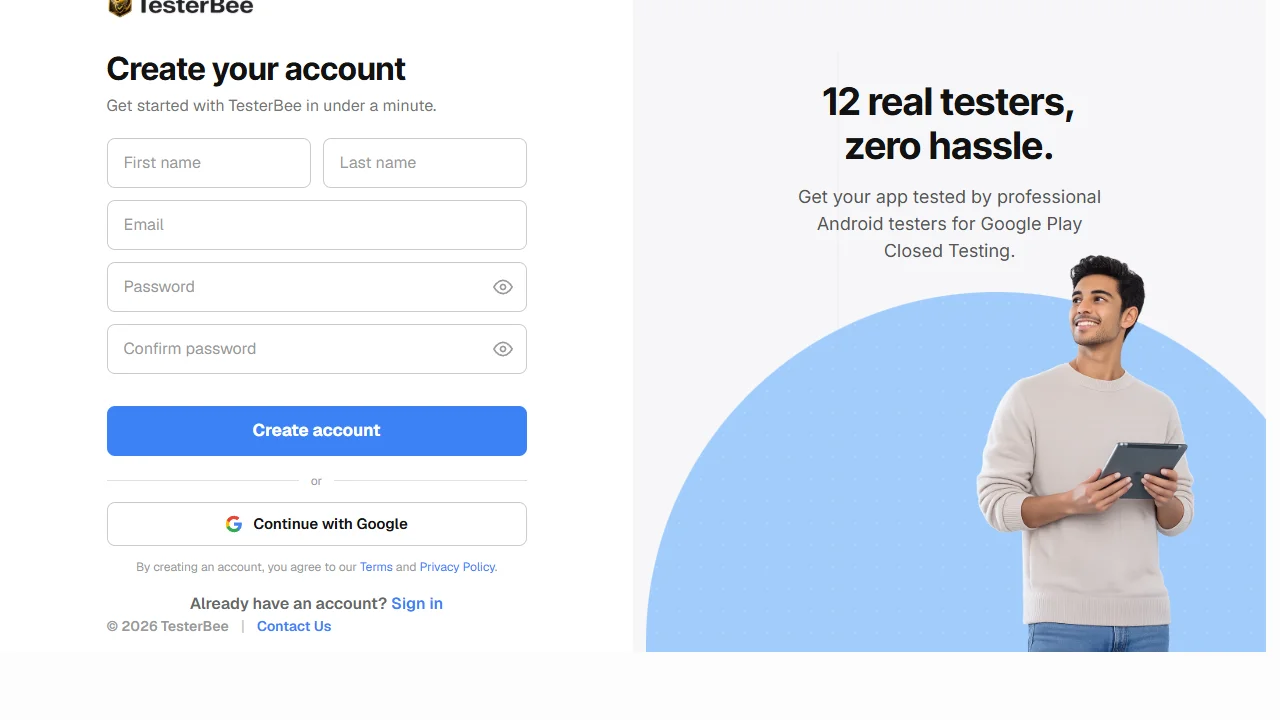
Create your account
Sign up on TesterBee using your Google account — the same one connected to your Play Console. No complex onboarding or lengthy forms. Your account is created in under two minutes, and you land directly on the dashboard where you can start a new testing campaign immediately. Having your Google account linked means we can verify your developer status and ensure testers are matched to a legitimate Play Console account.
Upload your app to Closed Testing
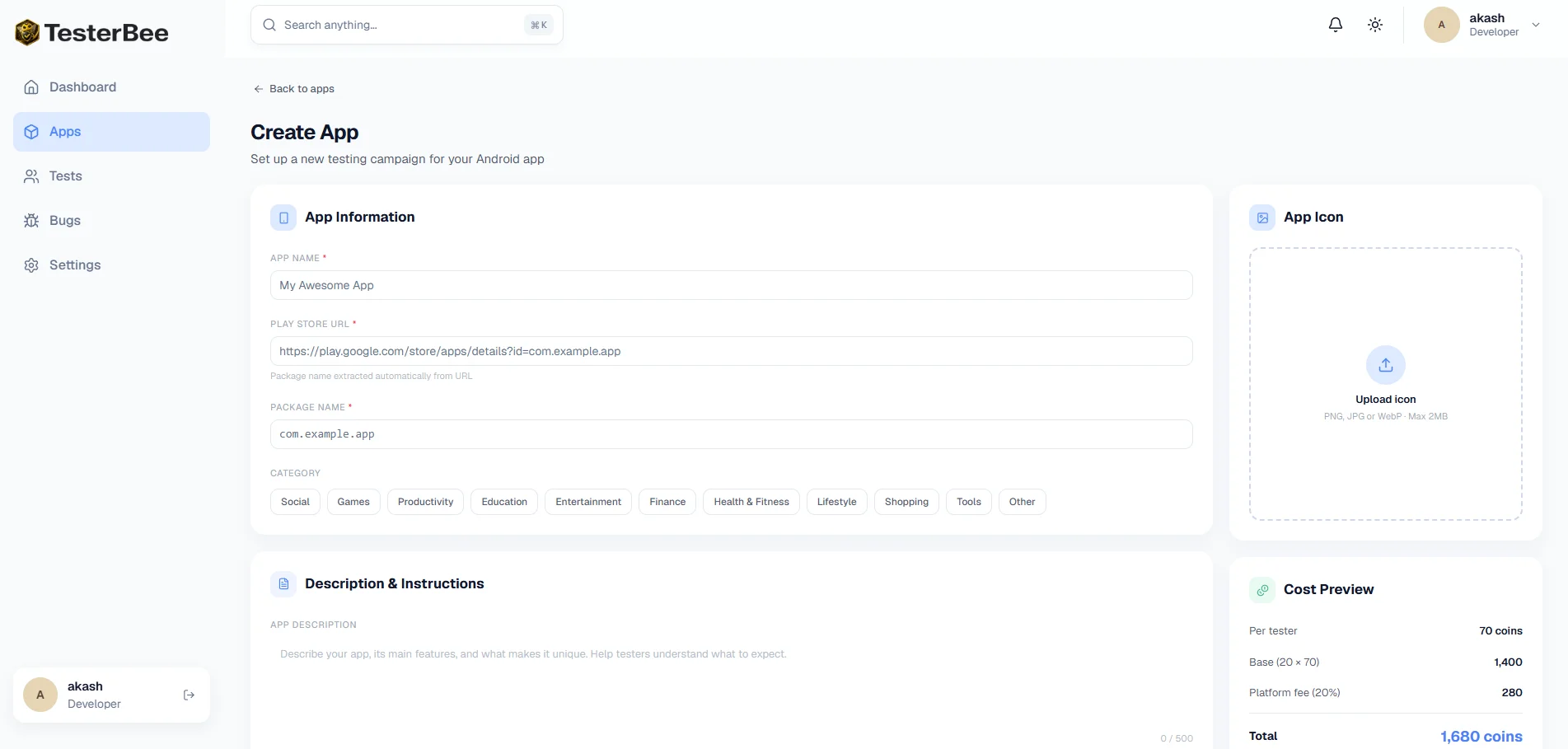
In your Google Play Console, navigate to Testing > Closed Testing and create a new track. Upload your Android App Bundle (.aab), configure your tester list, and generate your opt-in link. Copy that link — it is all TesterBee needs to connect testers to your app. If you are new to Play Console, our setup guide walks you through every screen and every setting so you do not miss anything. Important: make sure your app targets a recent API level and is built with a release keystore — debug-signed apps will be rejected.
We match you with 12 testers
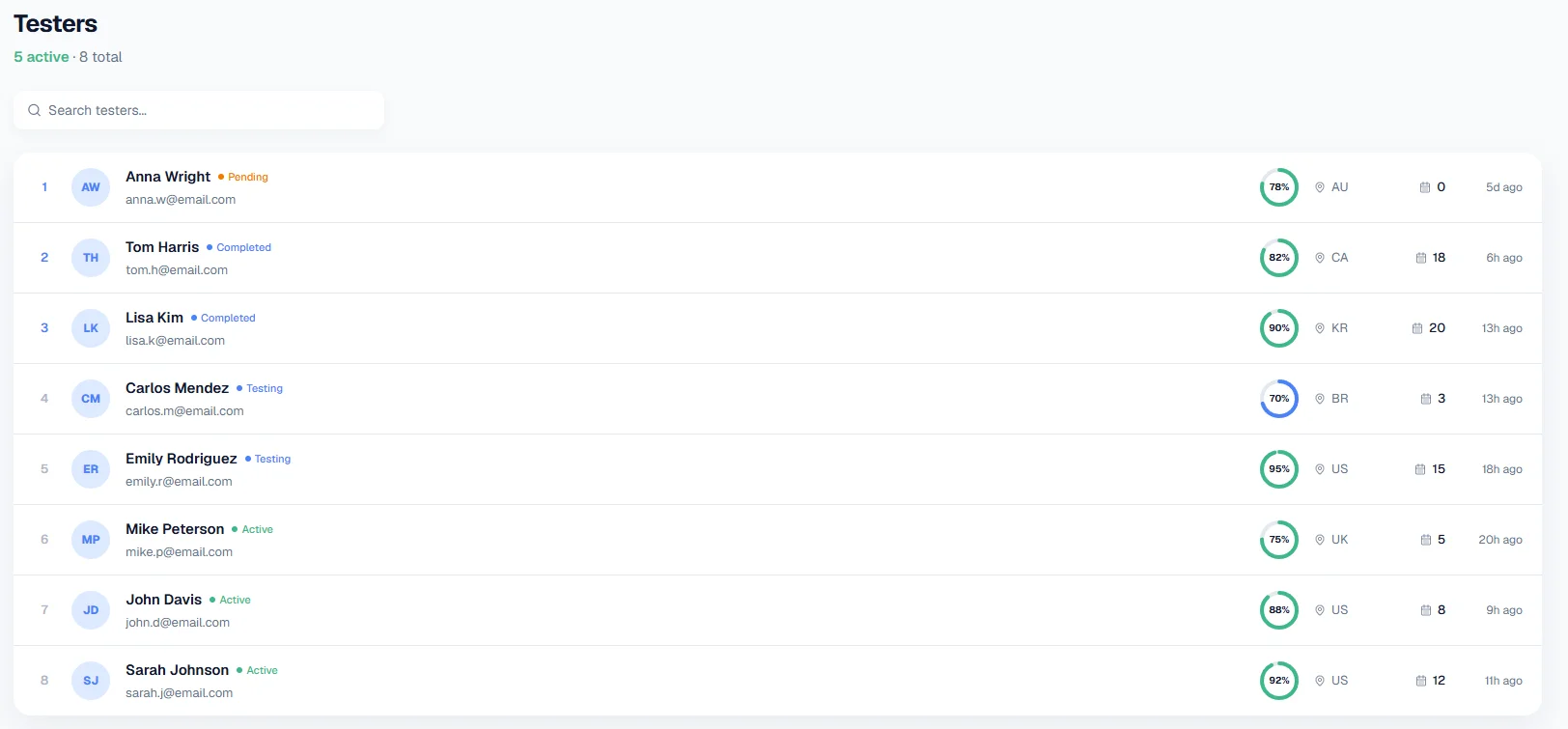
Paste your opt-in link into TesterBee and confirm. Our system distributes your link to verified testers whose device profiles match your app's requirements. Testers opt in through the Play Store link, install your app on their real Android devices, and begin engaging within hours. Most campaigns are fully matched within 6 hours. You can watch tester installs appear in real-time from your TesterBee dashboard. Each tester is verified to use a unique Google account on a physical Android device — no emulators, no shared accounts, no bots.
Track progress from your dashboard
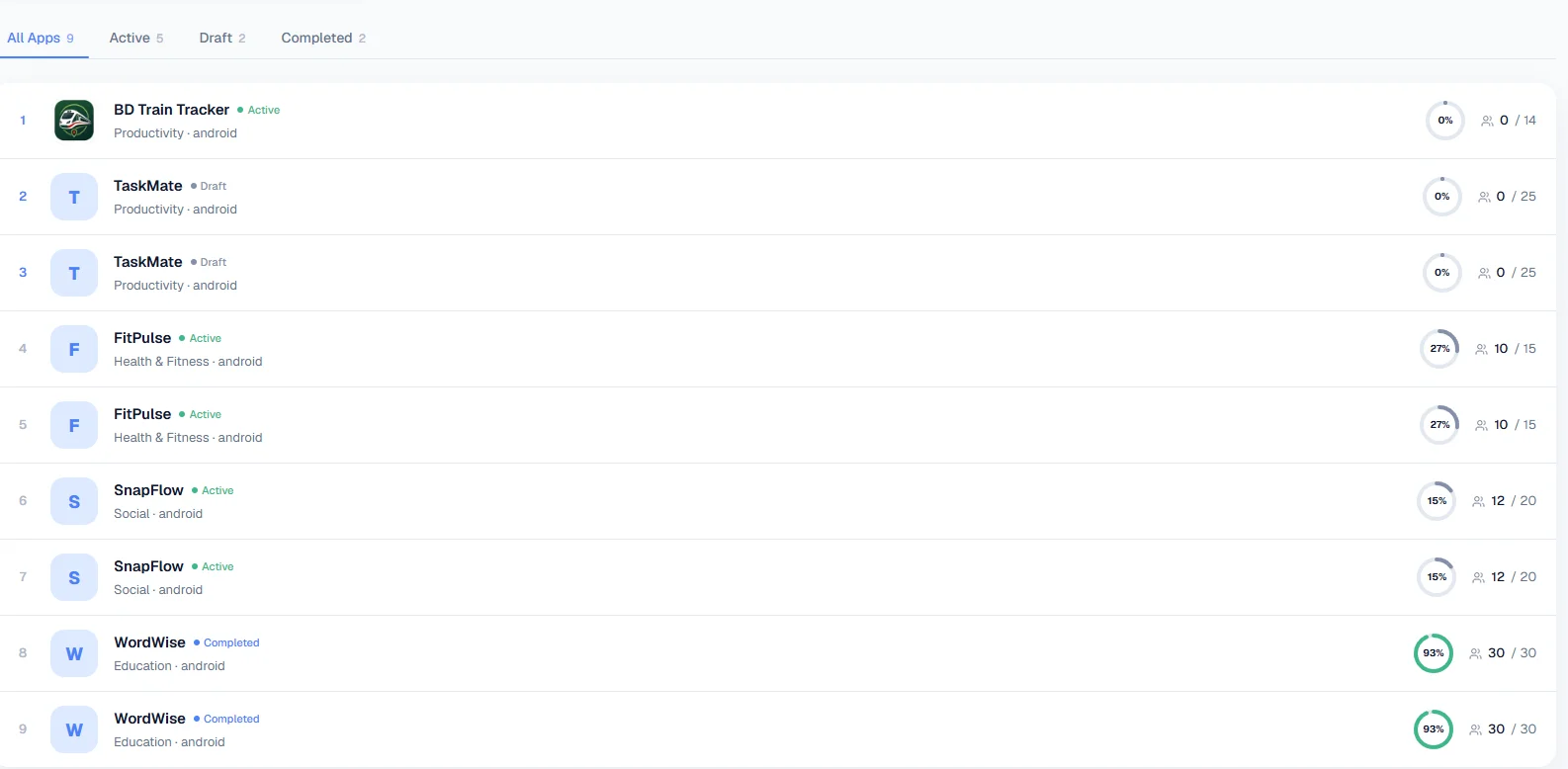
Your TesterBee dashboard shows exactly how many testers have installed, their engagement level, and the remaining days until you meet the 14-day requirement. A progress bar tracks your countdown visually. You can see which testers are active daily, view their device models and Android versions, and receive real-time alerts if engagement drops. The dashboard also archives all feedback and bug reports in one place, organized by tester and date, so you have a complete record when it is time to complete the production access questionnaire.
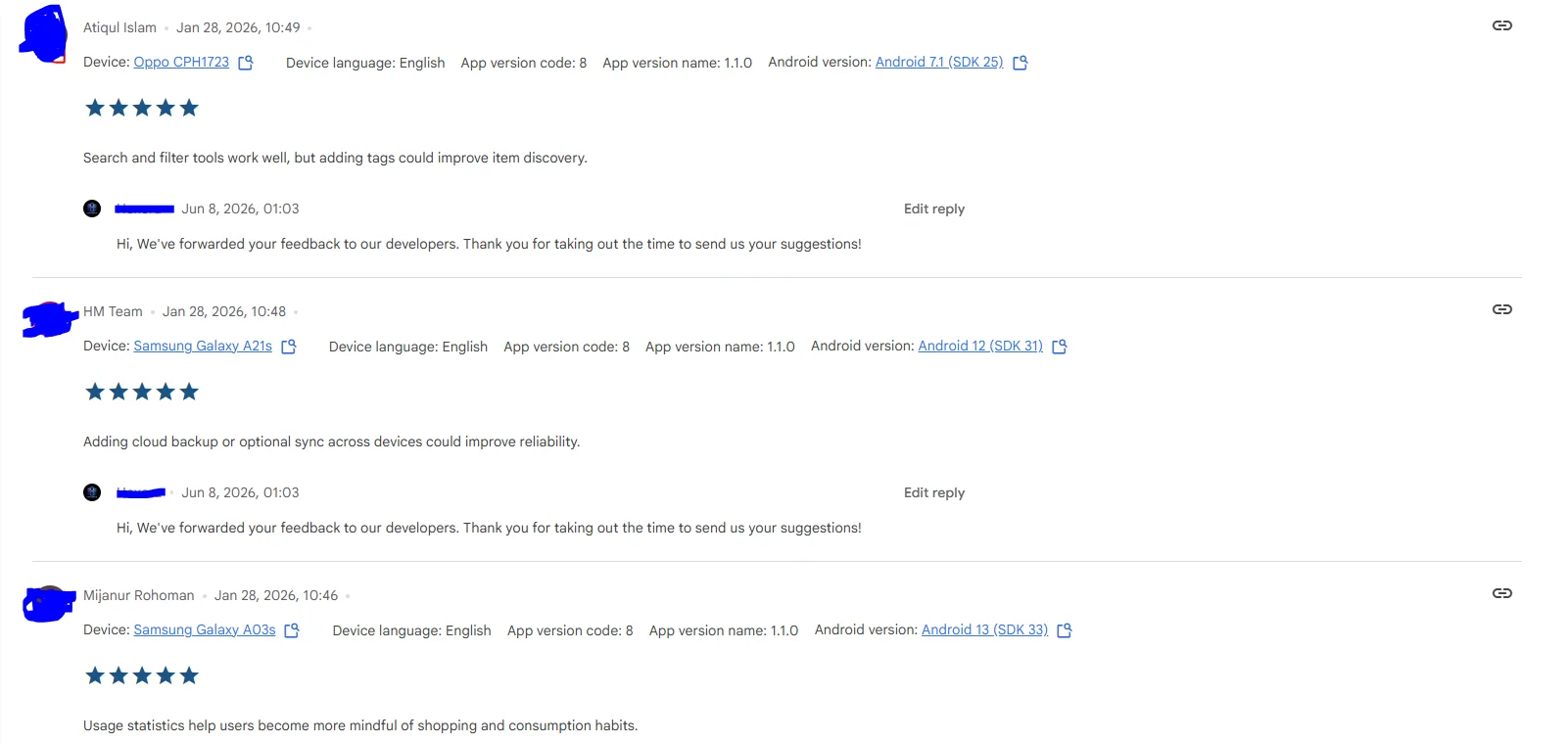
Receive feedback and bug reports
Each tester provides standardized feedback covering app functionality, usability, performance, and any bugs encountered. Testers report issues with specific steps to reproduce, device model, and Android version — the level of detail Google expects to see in your production access application. You can use this feedback to identify real problems, prioritize fixes, and push updates during the testing period. Google specifically looks for evidence that you collected and acted on tester feedback. Our standardized reports make this easy to demonstrate.
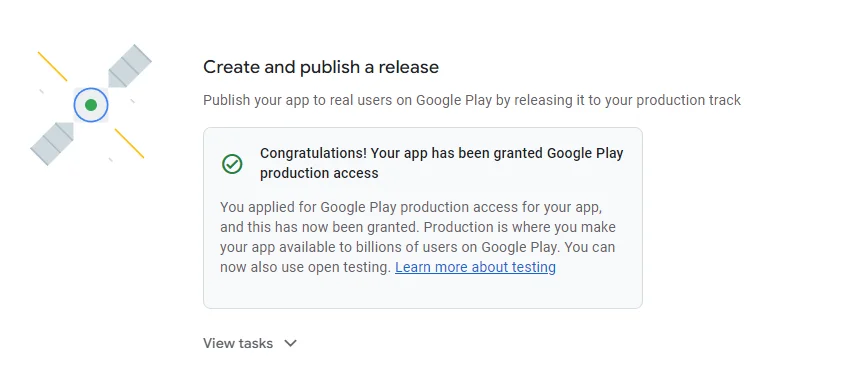
Apply for production access
After 14 continuous days of active testing with all 12 testers engaged, you are eligible to apply for production access. We provide guidance on completing the questionnaire — what to include, how to reference your feedback, and how to demonstrate that your testing was genuine and thorough. Most TesterBee users are approved on their first attempt. Once approved, you can create your production release and publish your app on the Play Store. If Google rejects your application due to tester engagement issues, we provide a full refund.
Meet your testers
Every tester in our network is a real person with a genuine Android device.
Real devices
Samsung, Pixel, OnePlus, Xiaomi, and more — real Android devices across multiple manufacturers and screen sizes.
Active & engaged
Testers install your app within 24 hours and stay active for the full 14-day period. No drop-offs.
Global coverage
Testers from different regions and Android versions to catch locale-specific and compatibility issues.
Verified profiles
Every tester is verified with a real Google account. No bots, no emulators, no fake accounts.
Feedback ready
Testers provide bug reports, ratings, and written feedback so you can improve your app before launch.
Managed for you
We handle tester communication, reminders, and activity monitoring so you can stay focused on building.
Tested on the devices your users actually own.
Emulators can't catch real-world issues. Our testers use genuine devices across popular brands and Android versions, so you get feedback that reflects how your users will actually experience your app.
- Samsung Galaxy series
- Google Pixel series
- OnePlus devices
- Xiaomi / Redmi / POCO
- OPPO / Vivo
- And more Android devices
What you need before you start
A Google Play developer account
The $25 one-time registration fee gets you access to Play Console. If your account was created after November 2023, Closed Testing is mandatory before you can publish any app to production.
Your app built as an Android App Bundle (.aab)
Google requires the AAB format for new apps. Build it with a release keystore, not a debug key. Your app should be functional and installable — testers need something they can actually use.
Your app uploaded to the Closed Testing track
Navigate to Testing > Closed Testing in Play Console, create a track, and upload your .aab. Generate the opt-in link. This is the link you will share with TesterBee.
A privacy policy URL
Required for all apps on Google Play. Your privacy policy must be hosted at a public URL and accurately describe what data your app collects and how it is used. Free generators are available, but make sure the content is accurate for your app.
What happens after the 14 days?
Completing 14 days of Closed Testing with 12 engaged testers qualifies you to apply for production access. Here is what the final steps look like and what to expect from Google's review process.
Verify your testing record
Confirm that all 12 testers remained opted in and active for the full 14 consecutive days. Check Play Console for any gaps in engagement, uninstalls, or tester drop-offs. If everything looks clean, you are ready to apply. If you notice any issues — a tester who was inactive for several days, a gap in the timeline — address them before applying. TesterBee provides a summary of tester activity that you can cross-reference with Play Console to ensure consistency.
Complete the production access questionnaire
Google asks about the feedback you received from testers, what bugs were found, what changes you made in response to feedback, how many testers participated, and why you believe your app is ready for production. Answer each question with specific details — mention actual bug descriptions, version numbers of updates you pushed, and concrete metrics. Vague answers like "testers liked the app" or "fixed some bugs" are the most common reason for rejection.
Submit and wait for Google's review
Reviews typically take 1-3 business days but can extend to 7 days during high-volume periods. Google evaluates your testing history, your questionnaire responses, and your app's compliance with Play Store policies. You may be asked to provide additional information or continue testing if the reviewer determines requirements were not fully met.
Create your production release
Once approved, go to the Production track in Play Console, create a new release, upload your app bundle, add release notes, and click "Start rollout to production." Your app is now live on Google Play. It may take a few hours to appear in search results. After your first app is published, future apps on the same account typically do not require repeating the Closed Testing process.
Common questions about the process
How quickly can I start after signing up?
Your TesterBee account is active immediately after signing in with Google. Once you paste your Play Store opt-in link and confirm, testers begin opting in. Most campaigns have all 12 testers installed and active within 6 hours. The 14-day countdown begins when your testers install the app and start engaging.
What if I am not ready to submit my app to Closed Testing yet?
You can create your TesterBee account now and start a campaign when you are ready. There is no time limit between account creation and starting your first campaign. If your app is still in development, use the time to prepare your Play Console setup and store listing assets so you can move quickly when development is complete.
Can I pause the 14-day timer once it starts?
No. The 14 days must be consecutive calendar days. Google does not allow pausing or splitting the testing period across non-consecutive blocks. Once testers install and start engaging, the clock runs continuously. Weekends and holidays count toward the 14 days. Plan to start your testing when you can monitor it for the full two-week period.
What kind of apps can TesterBee test?
Any Android app that is installable via the Google Play Store's Closed Testing track. This includes games, productivity tools, fitness apps, education apps, social media, utilities, and more. Your app does not need to be perfect — it should be functional enough for testers to use meaningfully. Testers will report issues they find, which helps you improve the app before launch.