Google Play Developer Verification vs Closed Testing — Two Different Requirements, Explained
Developer Verification and Closed Testing are two separate Google Play requirements with different deadlines. Here is what each one actually requires, who needs to do what, and how to avoid confusing them.

Need testers who stay active for all 14 days?
TesterBee matches you with 12 real Android testers in under 24 hours. Refund if Google rejects you over tester engagement.
On this page
New Google Play developers in 2026 face two separate requirements that are constantly confused with each other: Developer Verification and Closed Testing. They are different processes, with different purposes, different timelines, and different paperwork. Here is the short version: Developer Verification proves who you are to Google (identity and organization checks); Closed Testing proves your app works and that real people used it (12 testers, 14 days). They are independent — you need both to publish, but completing one does nothing for the other, and they do not share a timeline.
Getting these mixed up is not a small mistake. Developers who think they have "done the verification" and skipped testing get their production access application rejected. Developers who think verification covers testing end up confused when the Play Console still demands 12 testers. This guide lays out exactly what each requirement is, who it applies to, and how the two interact — with the deadlines and paperwork laid out side by side.
What Developer Verification Is
Developer Verification is Google's process for confirming that the person or organization behind a Play Console account is real. It is Google's answer to a specific problem: accounts were cheap to create, which made them useful for spam, fraud, and policy evasion. Verification ties an account to a real identity that can be held accountable.
For personal accounts, verification means submitting government-issued identification (a passport, driver's license, or national ID) and confirming your contact details. For organization accounts, it means providing business registration documents and a D-U-N-S number, which Google uses to match your business against a Dun & Bradstreet database.
Verification became a mandatory requirement for new accounts as Google rolled it out through 2025 and into 2026. It is also being extended to existing accounts over time — Google has announced that unverified existing accounts will eventually face restrictions. The practical effect: verification is now a standing condition of having a Play Console account at all, separate from anything to do with testing or a specific app.
What Closed Testing Is
Closed Testing is Google's quality and spam gate for the apps themselves. It requires new personal accounts to run their app through a Closed Testing track with at least 12 opted-in testers for 14 consecutive days on real Android devices, then submit a production access application describing the feedback received and the changes made in response.
Unlike verification — which is about identity — Closed Testing is about the app. It exists to keep broken, spammy, and malicious apps out of the Play Store by forcing a two-week, real-world trial with real people before public release. Where verification says "you are who you say you are," Closed Testing says "your app has been used and it works."
Developer Verification vs. Closed Testing: The Comparison
| Dimension | Developer Verification | Closed Testing |
|---|---|---|
| What it proves | Who you are (identity / organization) | Your app works and real people used it |
| Applies to | All new accounts; being extended to existing accounts | New personal accounts (created on/after Nov 13, 2023) |
| Required documents | Government ID; for orgs: business docs + D-U-N-S | None — 12 opted-in testers on real devices |
| Timeline | Review takes days to weeks; one-time per account | 14 consecutive days of testing + 2-7 day review |
| Per-app or per-account | Per-account | Per-app (each new app may need its own cycle) |
| Exemptions | None for new accounts | Organization accounts and pre-Nov-2023 personal accounts |
Read that table as two separate checklists. Verification is a one-time account-level gate — get it done, and it is done. Closed Testing is an app-level gate — it applies to each app you want to publish, and it resets for every new app on a fresh account.
How the Two Requirements Interact
The two processes are independent, but they interact in one practical way that matters for your timeline: you can run them in parallel.
Developer Verification and Closed Testing do not share a clock. You can submit your verification documents while your 14-day testing track is running. In practice, most developers should start verification early — the document review can take longer than the testing window, and you cannot publish until both are complete. Starting verification on day 1 of your testing period means the two finish around the same time instead of serially.
There is also a common ordering mistake. Some developers assume verification is a prerequisite for testing, or that testing includes verification. Neither is true. A common flow that works: create your account, submit verification documents immediately, create your Closed Testing track the same week, and let the review and the 14-day clock run in parallel. When both finish, you apply for production access.
The interaction that gets people rejected
Because the two are independent, completing one gives you zero credit toward the other. In our experience helping developers through this, the most common confusion is a developer who believes their pending verification "covers" the testing requirement, or who applies for production access assuming verification approval will substitute for the 14-day testing data. It will not. The production access application is judged on the Closed Testing evidence alone.
Common Confusions — and How to Avoid Them
- "Verification is done, so I can publish." Verification proves your identity, not your app's readiness. You still need Closed Testing before production access.
- "Closed Testing is done, so I am verified." The reverse is also false. Testing produces app-quality evidence; it does not verify your identity. If your account is not verified, you cannot publish even with a completed test.
- "Organization accounts skip everything." Organization accounts skip Closed Testing, but they face a heavier verification burden (business documents + D-U-N-S). Neither requirement vanishes; the work just shifts.
- "I can do them sequentially, so order does not matter." Order matters for your launch date. Doing them in parallel can save weeks. See the flow above.
- "Existing accounts never need verification." Google is extending verification to existing accounts over time. Grandfathered testing exemptions do not automatically mean a permanent verification exemption.
What to Do in 2026
If you are a new developer this year, here is the concrete sequence, based on what we see work repeatedly:
- Create your account and submit verification documents on day one. Do not wait. The review clock starts when you submit.
- Set up your Closed Testing track in the same week. Prepare the app build, the tester list, and the opt-in link before you begin.
- Recruit 14-15 testers with a buffer. Tester drop-off is the most common rejection reason in our data — plan for it.
- Run the 14 days with at least two updates and structured feedback collection. Engagement and developer responsiveness are the signals that move approval odds most.
- When both verification and the 14-day clock complete, apply for production access with a specific, evidence-backed questionnaire.
For the detailed verification requirements and deadlines, see our Google Play Developer Verification 2026 guide. For the testing side, the definitive Closed Testing guide covers the full timeline and the rejection reasons to avoid.
Frequently Asked Questions
Are Developer Verification and Closed Testing the same thing?
No. Developer Verification proves your identity to Google (government ID, business documents, D-U-N-S for organizations). Closed Testing proves your app works by requiring 12 real testers for 14 days. They are two separate requirements, both needed before you can publish, and completing one gives you no credit toward the other.
Can I do Developer Verification and Closed Testing at the same time?
Yes — and you should. The two processes do not share a timeline, so running them in parallel can save weeks. Submit your verification documents and start your Closed Testing track in the same period, then apply for production access when both are complete.
Does Developer Verification replace the 12-tester requirement?
No. Verification proves who you are; Closed Testing proves your app was used by real people. A verified account still needs 12 testers for 14 days before production access, unless it is an organization account or was created before November 2023.
Do organization accounts need Developer Verification?
Yes. Organization accounts skip Closed Testing, but they face a stricter verification process — business registration documents and a D-U-N-S number are required. The exemption from testing does not extend to verification.
How long does Developer Verification take?
Document review typically takes from a few days to a few weeks depending on account type and document quality. Because it can outlast the 14-day testing window, start verification immediately when you create your account so the two processes finish around the same time.
Related Resources
- Google Play Developer Verification 2026 — deadlines and document requirements
- Google Play 12 Testers Closed Testing — The Definitive Guide — the full testing requirement
- Organization vs. Personal Account — which one skips the 12-tester rule
- Google Play Changed from 20 to 12 Testers — the history of the requirement
- The 14-Day Closed Testing Playbook — how to run the testing period
- Google Play Closed Testing official documentation

Senior full stack developer specializing in Laravel, React, and Firebase. Helped 1,200+ Android developers pass Google Play Closed Testing and publish apps. Expert in Play Console, production access, and Android app publishing.
Get 12 testers into your closed test in 24 hours
Matched Android testers who open your app every day of the 14-day window, so your production access review has real engagement to look at.
Start your closed testRelated articles
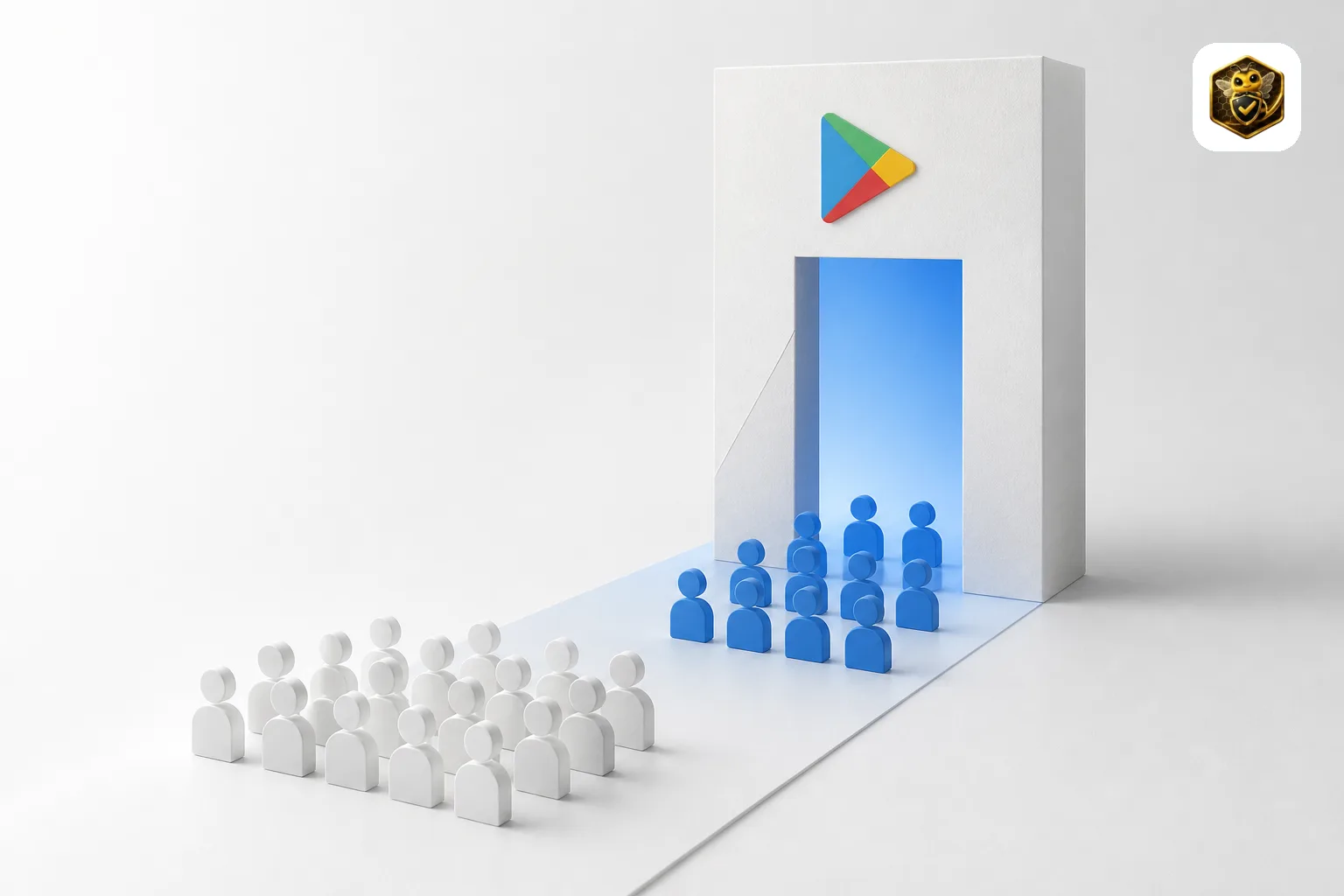
Google Play Changed from 20 to 12 Testers — What the Policy Shift Means for Developers in 2026
Google Play lowered the Closed Testing requirement from 20 to 12 testers in December 2024. Here is the complete timeline, why Google made the change, what it means for new developers, and what still trips people up.

Organization vs Personal Google Play Account — Which One Skips the 12-Tester Rule?
Organization Google Play accounts skip the 12-tester Closed Testing requirement entirely. Learn the difference, how to create an organization account, D-U-N-S number setup, and whether it is right for you.

Google Play Developer Verification 2026: Deadline, Cost, and Documents
Play Console now requires identity verification for all new developer accounts from September 2026. See the exact deadlines, required documents, the $25 fee, and how verification works with the 12-tester Closed Testing rule.