Organization vs Personal Google Play Account — Which One Skips the 12-Tester Rule?
Organization Google Play accounts skip the 12-tester Closed Testing requirement entirely. Learn the difference, how to create an organization account, D-U-N-S number setup, and whether it is right for you.

Need testers who stay active for all 14 days?
TesterBee matches you with 12 real Android testers in under 24 hours. Refund if Google rejects you over tester engagement.
On this page
Google Play offers two types of developer accounts: personal and organization. They are not the same. The account type you choose determines whether you need to complete the 12-tester Closed Testing requirement — and picking the wrong one for your situation can mean weeks of unnecessary paperwork or a testing requirement you were not prepared for.
The Real Difference Between Personal and Organization Accounts
When you sign up for a Play Console account, Google asks whether the account is for personal use or for an organization. This is not a cosmetic choice. It determines your verification path and your testing obligations.
Personal accounts use your legal name. You pay a one-time $25 registration fee, verify your identity (DUNS-based verification starts September 2026 for all new accounts), and must complete Closed Testing with 12 testers for 14 consecutive days before you can apply for production access. Your name appears as the developer on your Play Store listing.
Organization accounts are tied to a registered business entity. They require a D-U-N-S number from Dun & Bradstreet, business incorporation documents, and an authorized representative who can sign legal agreements on behalf of the company. The key advantage: organization accounts are currently exempt from the Closed Testing requirement. You can move directly from Internal Testing to production.
But the exemption is not permanent. Google has been progressively tightening requirements. When the 12-tester rule first launched in November 2023, it applied only to new personal accounts created after that date. Google then extended it to existing personal accounts applying for production access. There is no guarantee the exemption for organization accounts will remain indefinitely. Build testing into your workflow regardless of account type.
Getting a D-U-N-S Number: What Actually Happens
The D-U-N-S process is free but it is not instant. Here is what the timeline actually looks like based on developers we have worked with:
- Submit your request through Google's D-U-N-S lookup tool (linked from the Play Console signup flow). You will need your business legal name exactly as registered, physical address (no PO boxes), and a business phone number that matches public records.
- Dun & Bradstreet processes the request. Google's integration prioritizes Play Console requests, so most come through in 1-3 business days rather than the standard 30-day window for general D-U-N-S requests.
- Common rejection reasons: mismatched business name (using a trade name instead of the registered legal name), address not matching official business records, or using a residential address for a business that is not registered at that location.
- Once you have the number, create your Play Console account within 30 days — Google's verification token expires after that.
The D-U-N-S number is free through Google's partnership with Dun & Bradstreet. Third-party services that charge for "expedited D-U-N-S" are selling you something you can get yourself for free.
Which Account Type Should You Choose?
There is no universally correct answer. Here is how to think about it for your specific situation:
Go with an organization account if: you already have a legally registered business (LLC, corporation, etc.), you plan to publish multiple apps under a company brand, your business name carries trust value for your target users, or you have the documentation ready and can wait a week for D-U-N-S processing. The Closed Testing exemption saves you two weeks, but the setup takes about a week — so the net time savings is roughly one week for a first app, and it grows with each additional app.
Stick with a personal account if: you are a solo developer without a registered business entity, this is your first or only app, you want to start testing within days rather than weeks, or you are testing an idea and do not want to commit to business registration before validating your app. The $25 registration fee and two-week testing period is a lower barrier than incorporating a business.
One common middle path: start with a personal account to validate your app and complete Closed Testing. If your app gains traction, migrate to an organization account later. Google allows account type transfers in some cases — though the process requires contacting Play support and providing business documentation. It is not guaranteed, but it is a viable strategy for developers who want to move fast initially.
For most first-time Android developers we work with, the faster path to publish is a personal account with professional testers. You avoid the D-U-N-S paperwork, start testing within 24 hours of creating your account, and your app is live in about two weeks from the day you start.

Senior full stack developer specializing in Laravel, React, and Firebase. Helped 1,200+ Android developers pass Google Play Closed Testing and publish apps. Expert in Play Console, production access, and Android app publishing.
Get 12 testers into your closed test in 24 hours
Matched Android testers who open your app every day of the 14-day window, so your production access review has real engagement to look at.
Start your closed testRelated articles
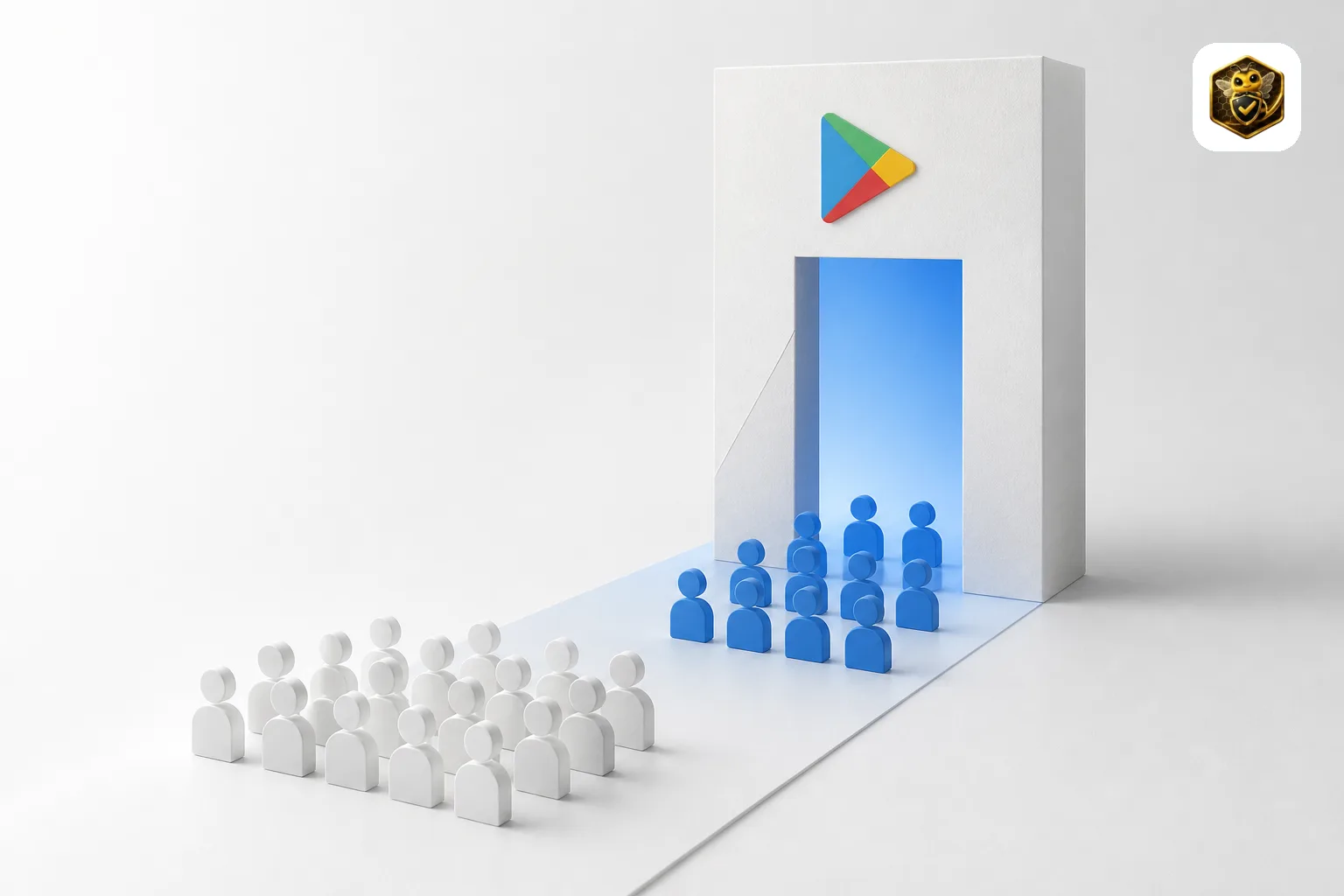
Google Play Changed from 20 to 12 Testers — What the Policy Shift Means for Developers in 2026
Google Play lowered the Closed Testing requirement from 20 to 12 testers in December 2024. Here is the complete timeline, why Google made the change, what it means for new developers, and what still trips people up.

Google Play Developer Verification vs Closed Testing — Two Different Requirements, Explained
Developer Verification and Closed Testing are two separate Google Play requirements with different deadlines. Here is what each one actually requires, who needs to do what, and how to avoid confusing them.

Google Play Developer Verification 2026: Deadline, Cost, and Documents
Play Console now requires identity verification for all new developer accounts from September 2026. See the exact deadlines, required documents, the $25 fee, and how verification works with the 12-tester Closed Testing rule.