Emulators vs Real Devices for Google Play Closed Testing — Why Real Devices Always Win
Can you use Android emulators to meet the 12-tester requirement? No. The requirement is about genuine testers on real devices. Learn why emulators cannot replace real testing.
Need testers who stay active for all 14 days?
TesterBee matches you with 12 real Android testers in under 24 hours. Refund if Google rejects you over tester engagement.
On this page
You need 12 testers. You have a computer. Android Studio can run 12 emulator instances. The math seems obvious — spin up a dozen AVDs, create 12 Google accounts, install your app on each, and let them sit for 14 days. You save money and skip the hassle of finding real people. What could go wrong?
Plenty, unfortunately. An emulator is not a real user, so it produces no genuine testing or feedback — and an application backed by it does not meet the requirement. If it is rejected, you lose the time and have to start again.
Why emulators cannot meet the requirement
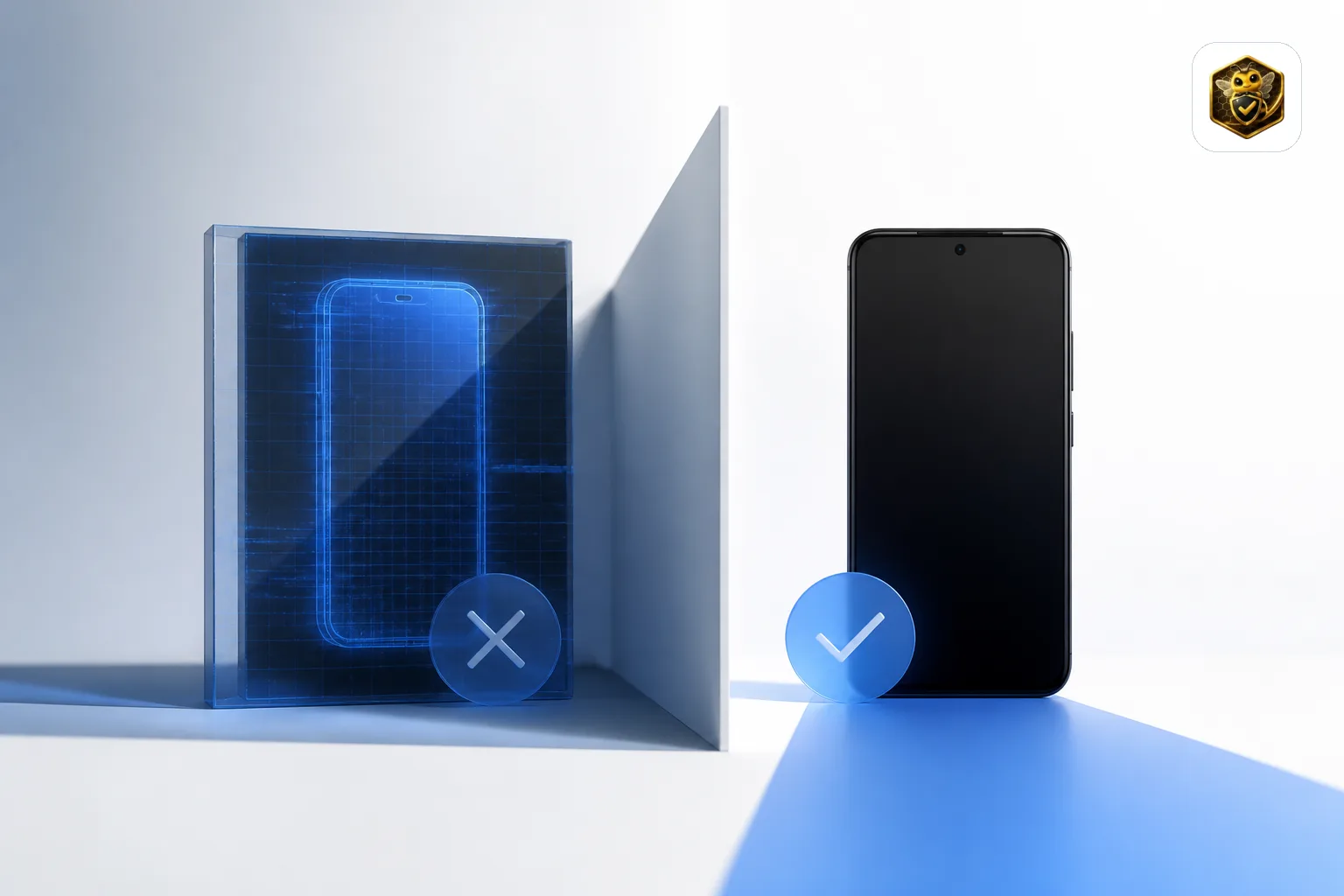
The Closed Testing requirement exists so real people validate your app on real devices before it reaches production. An emulator does not represent how a real user experiences your app, and it produces none of the genuine usage — Play Store installs, real-world compatibility, natural engagement — that the requirement is designed to capture.
An emulator-based "testing period" gives you nothing you can use: no real-device compatibility data, no genuine user feedback, and no evidence of engagement for your production access application. And because it does not reflect real usage, it is a weak basis for an application Google reviews. If the application is rejected, you lose the time and have to start again.
What happens if your application fails
An application built on emulator installs rather than genuine usage does not meet the requirement, and it gives you no evidence for review. If it is rejected, here is what that means in practice:
- Production access denied: your application is rejected and you must run a new Closed Testing cycle — another 14 days plus review time.
- Repeated violations risk your account: repeatedly circumventing testing requirements is a policy violation. Google Play's Developer Program Policies require honest testing, and repeated violations can lead to serious action on your developer account, including suspension or termination.
Do not gamble your developer account to save a few days. Real testers on real devices is the only approach that gives you a genuine testing period and a strong application.
Why Cloud Device Farms Do Not Solve This Either
Services like BrowserStack, Firebase Test Lab, and Sauce Labs use real physical devices — not emulators. Their device fingerprints are legitimate. But they fail on other dimensions:
Play Store opt-in requires a real Google account. Cloud devices are shared across thousands of users. You cannot log into your personal Google account on a shared cloud device — it violates Google's terms and the device farm's policies. Without logging into the Play Store with the tester's Google account, the tester cannot accept the Closed Testing opt-in URL and install your app through the official testing track. Cloud devices install APKs directly, bypassing the opt-in flow. Google can see that an install came from a sideload rather than the Play Store testing track — and those installs do not count toward your 12 testers.
Fourteen consecutive days is impossible on shared devices. Cloud device sessions are time-limited (typically 30-120 minutes). There is no guarantee the same device is available tomorrow, let alone for 14 consecutive days. If the device changes, the device fingerprint changes — and Google sees a tester who installed on a Samsung Galaxy A54 on Day 1, a Pixel 7 on Day 3, and a OnePlus 11 on Day 7. That is not a real tester.
Cloud devices lack organic usage patterns. A real person's Android device has a mix of apps installed over months or years, contacts, photos, calendar events, and a history of location data. A cloud device is factory-reset between sessions, so it does not reflect how a real person uses a phone day to day.
What Actually Works
The only approach that produces a genuine testing period: real people on their own real Android devices, using their established Google accounts, engaging with your app naturally over 14 consecutive days.
This means 12 different people, each with a unique device fingerprint (different manufacturer, model, and Android version), each with a Google account that has years of organic activity history, each installing your app through the official opt-in URL, and each opening and using your app across multiple days with natural session patterns.
Finding 12 such people on your own is the hard part — which is why professional testing services exist. The key thing to verify with any service is that they provide real testers on personal devices, not emulators, not cloud devices, and not shared accounts. Ask the service how they verify device authenticity. If they cannot answer, their testers are unlikely to deliver a genuine testing period.

Senior full stack developer specializing in Laravel, React, and Firebase. Helped 1,200+ Android developers pass Google Play Closed Testing and publish apps. Expert in Play Console, production access, and Android app publishing.
Get 12 testers into your closed test in 24 hours
Matched Android testers who open your app every day of the 14-day window, so your production access review has real engagement to look at.
Start your closed testRelated articles
Hire Android App Testers for Closed Testing: Safety, Costs & Vetting Guide (2026)
Planning to hire Android app testers for Google Play closed testing? Compare freelance marketplaces, test-swap communities, and managed tester pools. Discover the 6-point vetting checklist, how to avoid bot farms and emulator traps, and how to guarantee 14 consecutive days of compliance.
Last-Minute Google Play Testing: Can You Expedite Closed Testing & What to Do When Behind Schedule (2026)
Behind schedule on your Google Play release deadline? Learn if you can expedite the 14-day closed testing period, the fatal mistakes rushed developers make, and the exact emergency playbook to hit production with zero wasted days.
Why Google Play Closed Testing Fails: 10 Common Reasons, What Happens Next & How to Fix It (2026)
Google Play closed testing failed, clock reset, or production access rejected? Discover the 10 most common technical, telemetry, and configuration failure reasons, what happens to your app, and the exact roadmap to pass on your next attempt.